
Your Ad Budget Is Wasted. The Database Hustle Wins Every Time
Dealers love to spend money on new leads. Every month, tens of thousands are poured into digital ads and shiny new programs, but most of those dollars are wasted. The truth? The goldmine you’re ignoring is sitting right in your CRM. This isn’t a process problem; it’s a discipline problem. In this hard-hitting article, Michael […]
AI Alone Won’t Fix Your BDC. Train Your People to Win With It.
Everyone in the dealership world is focused on AI, but many are missing the most critical part of the equation: your people. Technology is great at streamlining tasks, but it can’t build skill, handle objections, or close a deal on its own. Without trained, confident people, there’s nothing for your AI to hand off to. […]
The Appointment Show-Rate System: From Call to Door With AdaptVT
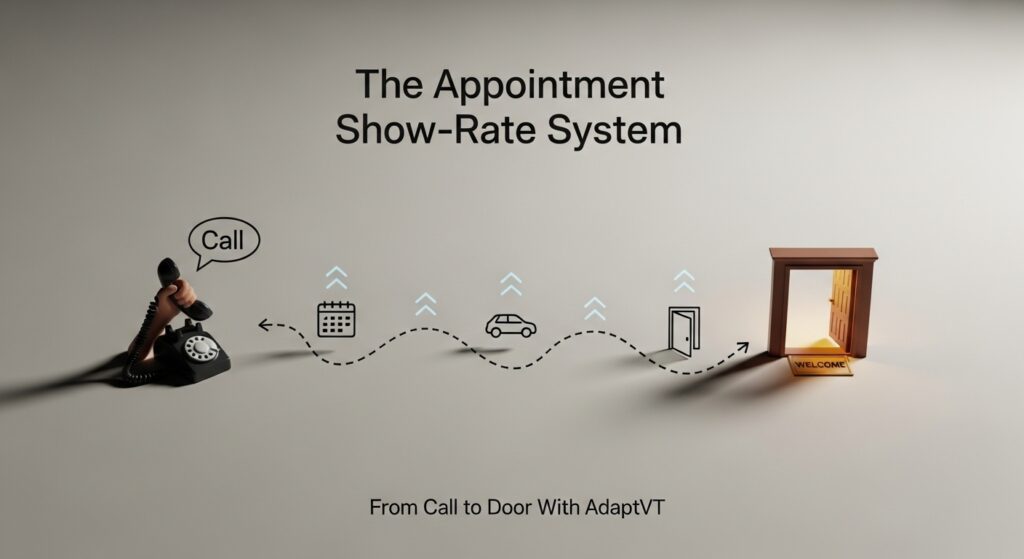
A consistent system beats hero calls. Use this checklist to lift shows. Message sequence Confirmation text within 5 minutes of the set Calendar invite with directions and parking Day‑before reminder at 4:00–5:30 pm Day‑of reminder 90 minutes prior Missed appointment recovery within 30 minutes Confirmation language (keep it simple) “Got you for [day/time]. I’ll have […]
BDC KPIs That Matter: From Dials to Shows With AdaptVT

Set targets that move appointments kept, then coach to them with AdaptVT’s proof. Core BDC KPIs Contacts per Hour: 8–12 is healthy depending on list quality Appointment Set Rate: 35–45% of contacted shoppers Appointment Show Rate: 60–70% of set Speed‑to‑Lead: under 5 minutes during business hours Reactivation Appointments: 5–10% of 30–90 day leads Dashboards to […]
Internet Manager Playbook: Coaching and QA Using AdaptVT
Make process visible. Coach what matters. Scale wins. Weekly rhythm Monday: review SLAs, templates, and top 10 leads by intent Wednesday: call calibration using 3 recent examples Friday: transcript review + next week’s assignments QA checklist (lead journey) First response under 5 minutes Uses E‑M‑P‑T structure Two time options proposed Confirmation language sent Reactivation attempts […]
Advanced BDC Objection Handling: Scripts and Drills in AdaptVT
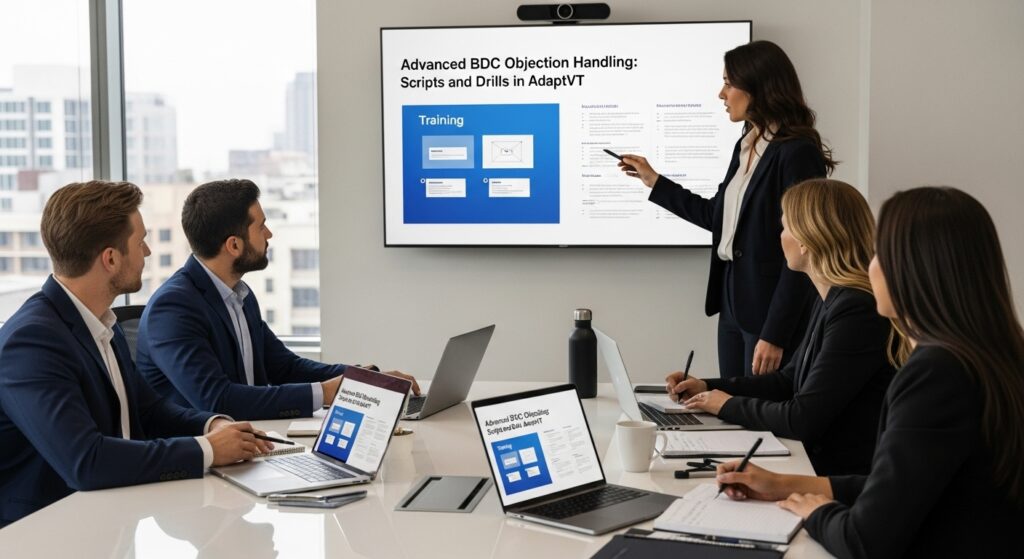
Your BDC wins or loses on the two minutes after the objection. Use these frames and drills to keep momentum and land the appointment. Common objections and frames Price: “Happy to make sure it fits your budget. I can have options ready — is 5:40 or 6:20 better to review?” Availability: “I’ll confirm status and […]
BDC Rep Playbook: Daily Workflow Inside AdaptVT
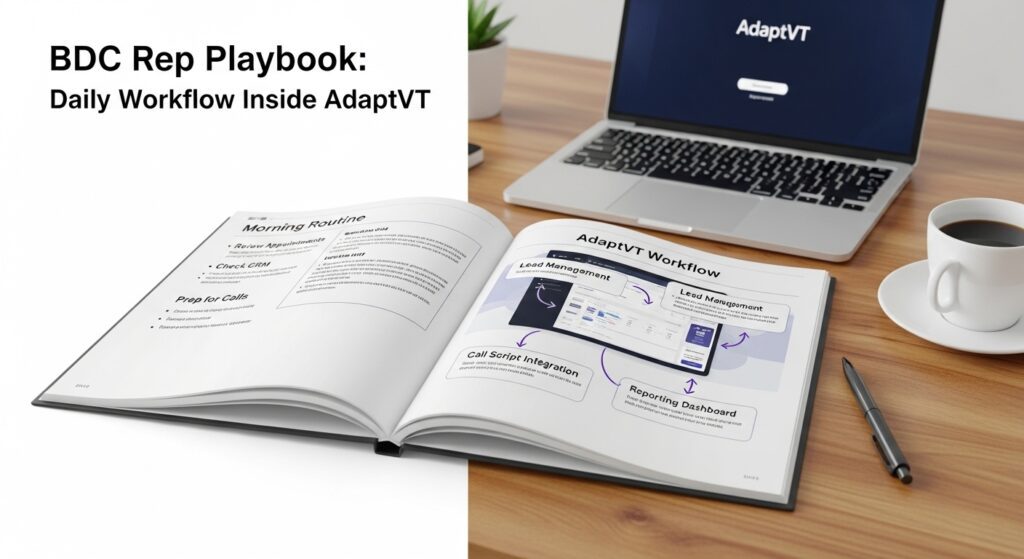
A daily cadence that balances speed, quality, and pipeline hygiene. Daily schedule (example) 8:30 Standup: goals, queue health, quick drill (10 min) 8:45–10:15 Fresh leads SLA window (phone + SMS + email) 10:30–11:30 Follow‑ups and confirmations 12:30–1:00 AdaptVT module + practice 1:00–2:30 Reactivation block (30–90 day leads) 3:00–4:30 Second SLA window and reschedules Tooling and […]
Alan Ram Phone Scripts in 2025: What’s Changed and What Still Works
Buyers changed. The principles didn’t. Here’s how to modernize classic Alan Ram patterns and reinforce them with AdaptVT. What still works Control early: earn permission in the first 10 seconds Propose times, not options: reduce decisions Confirm like you mean it: clarity lowers no‑shows What changed Channel mix: SMS companion to every accepted appointment Specificity: […]
Internet Lead Handling With AdaptVT: From First Reply to Set Appointment

Most internet leads are won in the first 5 minutes and the first 5 messages. Use this playbook to standardize speed and quality with AdaptVT. The 5‑minute rule Set a visible SLA: reply within 5 minutes during business hours If after hours, schedule a morning send and SMS nudge First‑response framework (E‑M‑P‑T) Empathy: acknowledge the […]
Phone Ups That Show Up: Using AdaptVT to Lift Show Rates
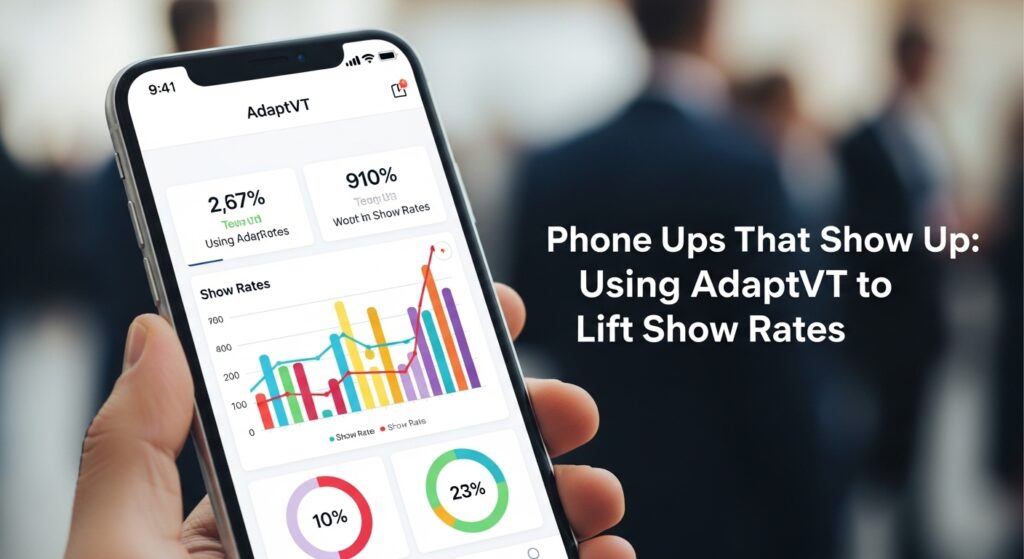
When the phone rings, you’re already 80% of the way to an appointment. This playbook shows how to use AdaptVT to standardize opens, control the call, and lift shows. The 3-part call structure Open and control Goal: earn permission and pace the call Script: “Hi, this is [Name] with [Store]. I can help with that […]